Putting linux on my partner's pc
After being left in the lurch by Microsoft in October of last year, my partner decided it was probably time to cut her teeth as a linux user. She agreed to let me install ubuntu and created a file of everything she wanted backed up.
The first issue I ran into was actually creating the backup. The Windows native compression tool doesn’t always handle hyphens well, and so I went ahead and downloaded 7-Zip which did the trick. After compression, the backup was >8GB, which meant it couldn’t be directly copied into my single-partition FAT32 usb:
$ lsblk -f
NAME        FSTYPE FSVER LABEL    UUID                                 FSAVAIL FSUSE% MOUNTPOINTS
sda
└─sda1      vfat   FAT32 USB DISK 816F-7610                              28.9G     0% /run/media/chase/USB DISK
zram0       swap   1     zram0    6a1ef8e7-8340-4b36-8aea-b1a812264b8c                [SWAP]
nvme0n1
├─nvme0n1p1 vfat   FAT32          D01D-A61E                             937.6M     8% /boot
├─nvme0n1p2 ext4   1.0            689b63ee-5328-4de3-a138-898fc3091c2a   15.9G    62% /
└─nvme0n1p3 ext4   1.0            61efe04b-c03b-4c99-862d-f243bd621fe7  778.2G     7% /home
FAT32 does not allow writes >4GB at a time, so I reformatted the partition with the exFAT filesystem:
$ umount /dev/sda1
$ mkfs.exfat /dev/sda1
Creating exFAT filesystem(/dev/sda1, cluster size=32768)

Writing volume boot record: done
Writing backup volume boot record: done
Fat table creation: done
Allocation bitmap creation: done
Upcase table creation: done
Writing root directory entry: done
Synchronizing...

exFAT format complete!
Next I went and downloaded ubuntu 24.04.3 LTS .iso file. I learned it’s actually pretty simple to create a live cd using just coreutils. First, I listed the contents of /dev/disk/by-id and grabbed the symlink to the usb device. Then, I wrote the contents of the ISO directly to that location:
$ cat ~/Downloads/ubuntu-24.04.3-desktop-amd64.iso | sudo tee /dev/disk/by-id/usb-_USB_DISK_3.0_07215B8AB6B14809-0:0 > /dev/null; sync
And with that I was ready to purge Windows. The PC has both a 1TB SSD and 128GB HDD. To keep things simple I just installed the whole system on the SSD with two partitions (/ and /boot/efi), and then zeroed out the HDD
$ dd if=/dev/zero of=/dev/sdb bs=1M status=progress
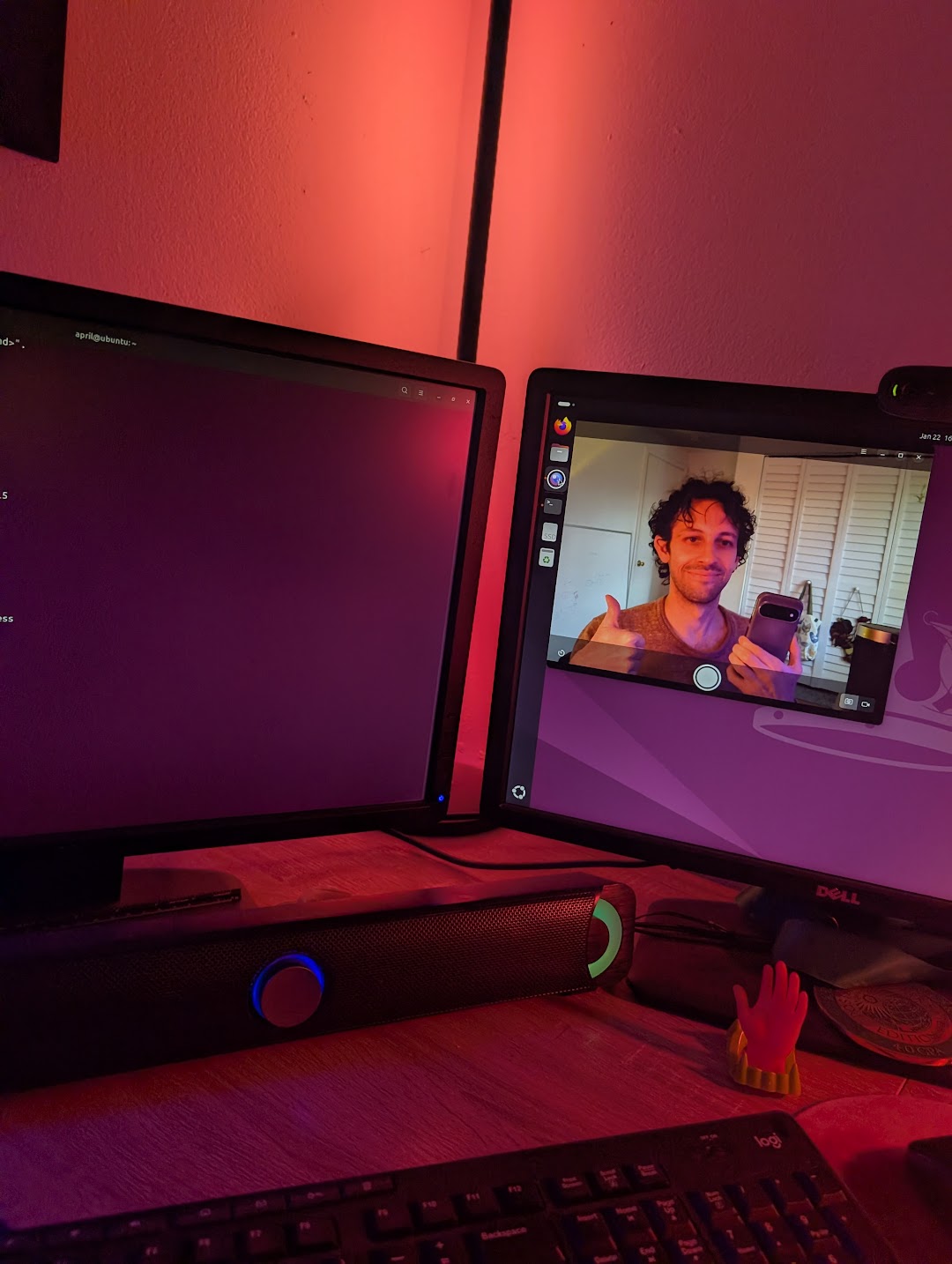
Testing the webcam:
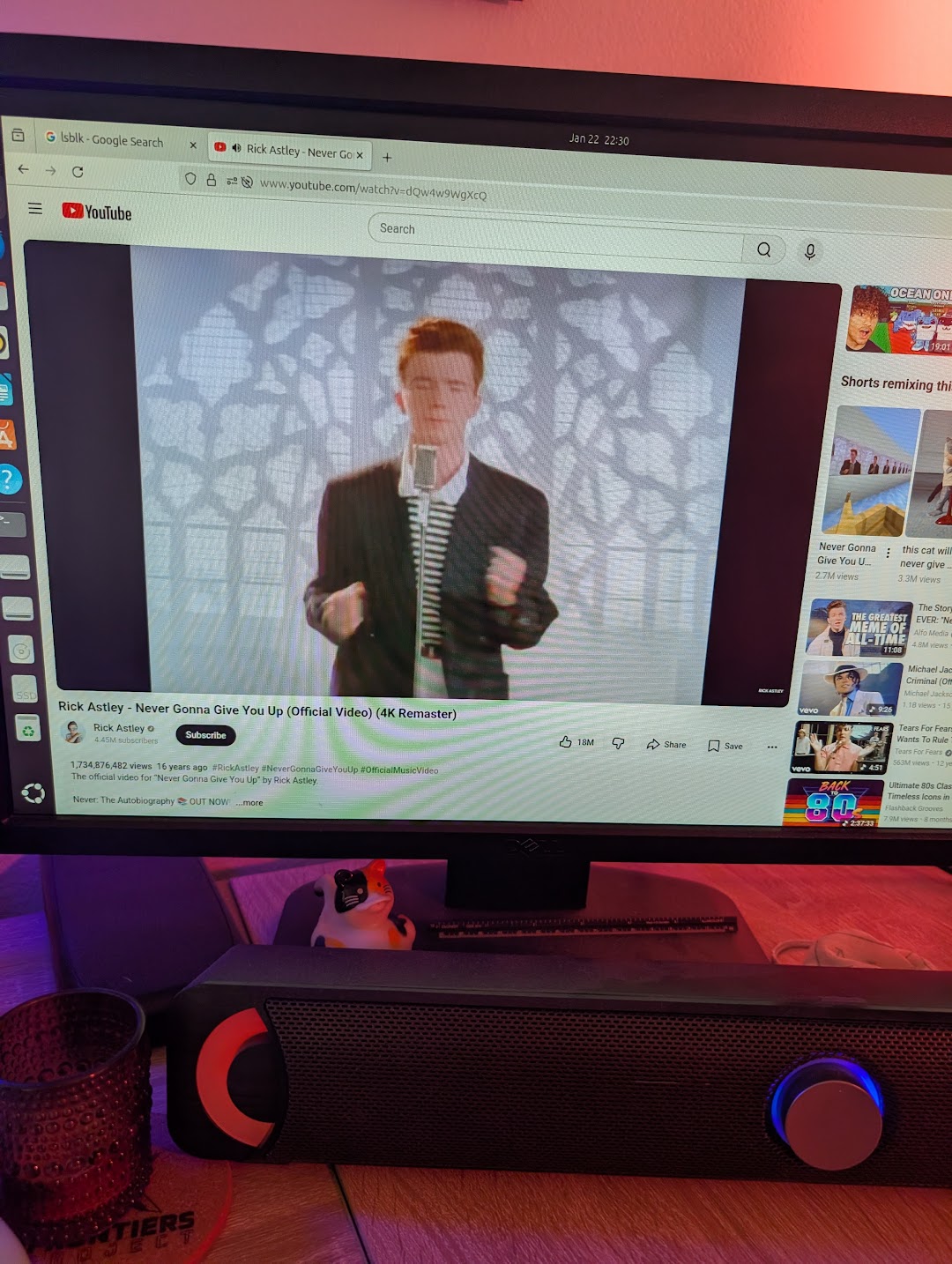
I rickrolled myself to test the audio:
Everything seemed to be in working order so I turned it over to my partner to test it out. There was an issue when she launched a steam game called The Wild at Heart. It ran, but slow rendering and delayed responsiveness to I/O devices made it unusable. I assumed it was just missing 32-bit drivers. I realized that this kind of issue would be way more enjoyable to troubleshoot on arch so I convinced my partner to switch distros.
$ curl https://mirror.arizona.edu/archlinux/iso/2026.01.01/archlinux-2026.01.01-x86_64.iso > /dev/null

$ sha256sum archlinux-2026.01.01-x86_64.iso
16502a7c18eed827ecead95c297d26f9f4bd57c4b3e4a8f4e2b88cf60e412d6f  archlinux-2026.01.01-x86_64.iso

$ cat sha256sums.txt | grep 16502a7c18eed827ecead95c297d26f9f4bd57c4b3e4a8f4e2b88cf60e412d6f
16502a7c18eed827ecead95c297d26f9f4bd57c4b3e4a8f4e2b88cf60e412d6f  archlinux-2026.01.01-x86_64.iso
16502a7c18eed827ecead95c297d26f9f4bd57c4b3e4a8f4e2b88cf60e412d6f  archlinux-x86_64.iso
After creating the installation media, I went ahead and ran the archinstall script. Again, I kept things simple - GNOME, two partitions, linux and linux-lts. Installation script ran to completion successfully so I had my partner type reboot (just to make it festive).
I enabled the [multilib] repository in /etc/pacman.conf, so that I could install Steam and any necessary drivers. The graphics card is an AMD Radeon R7 240/340 / 520 (Oland PRO) (1002:6613), which I found by running
$ lcpci -vnn | grep -A 12 VGA
When I launched “The Wild at Heart”, it started then immediately closed. I ended up clearing this final hurdle by adding PROTON_USE_WINE3D=1 %command% to the game’s launch options, which bypasses the 32-bit vulcan helper that was causing the issue.
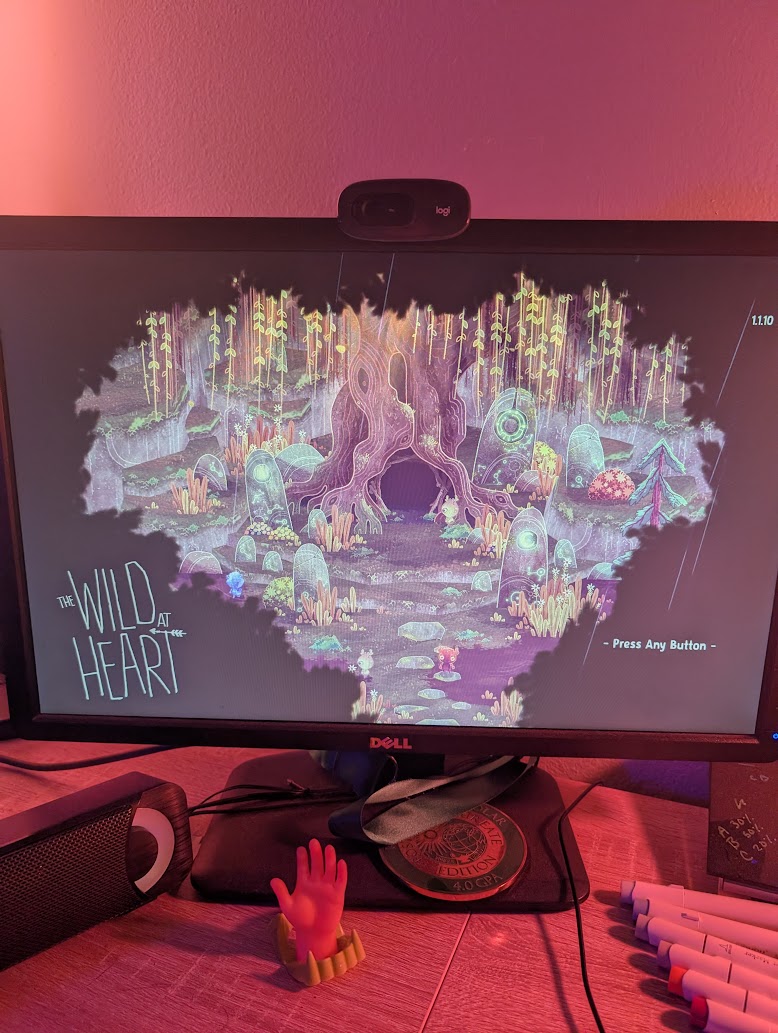
This game is super cozy by the way. You collect these things called “Spritelings” which are little Pikman-looking beings that follow you around and do your bidding.